Project management for small teams
A project management system that is the one place for your team's work.
Waypoint brings tasks, chat, documents, and calendars into a single project workspace — so your team stops hunting for the file, the thread, or the deadline.
The problem
Sound familiar?
- The task lives in Trello.
- The conversation about it lives in Slack.
- The file lives in Drive — or someone's inbox.
- The deadline lives in a calendar nobody actually checks.
By the time you've checked all four, the work is already late.
Your team doesn't need another app. It needs one.
The tools in every Waypoint project
- Message boards
- Task boards
- Chat
- Calendar
- Drive
Why we built it
We built Waypoint because we were tired of the tab-switching too.
Every project we ran was spread across a different combination of chat apps, boards, and shared drives — and every handoff meant repeating yourself in three places. So we built the workspace we wanted: projects made of the tools your team actually uses, wired together so nothing has to be said twice.
The plan
Get your team aligned in three steps
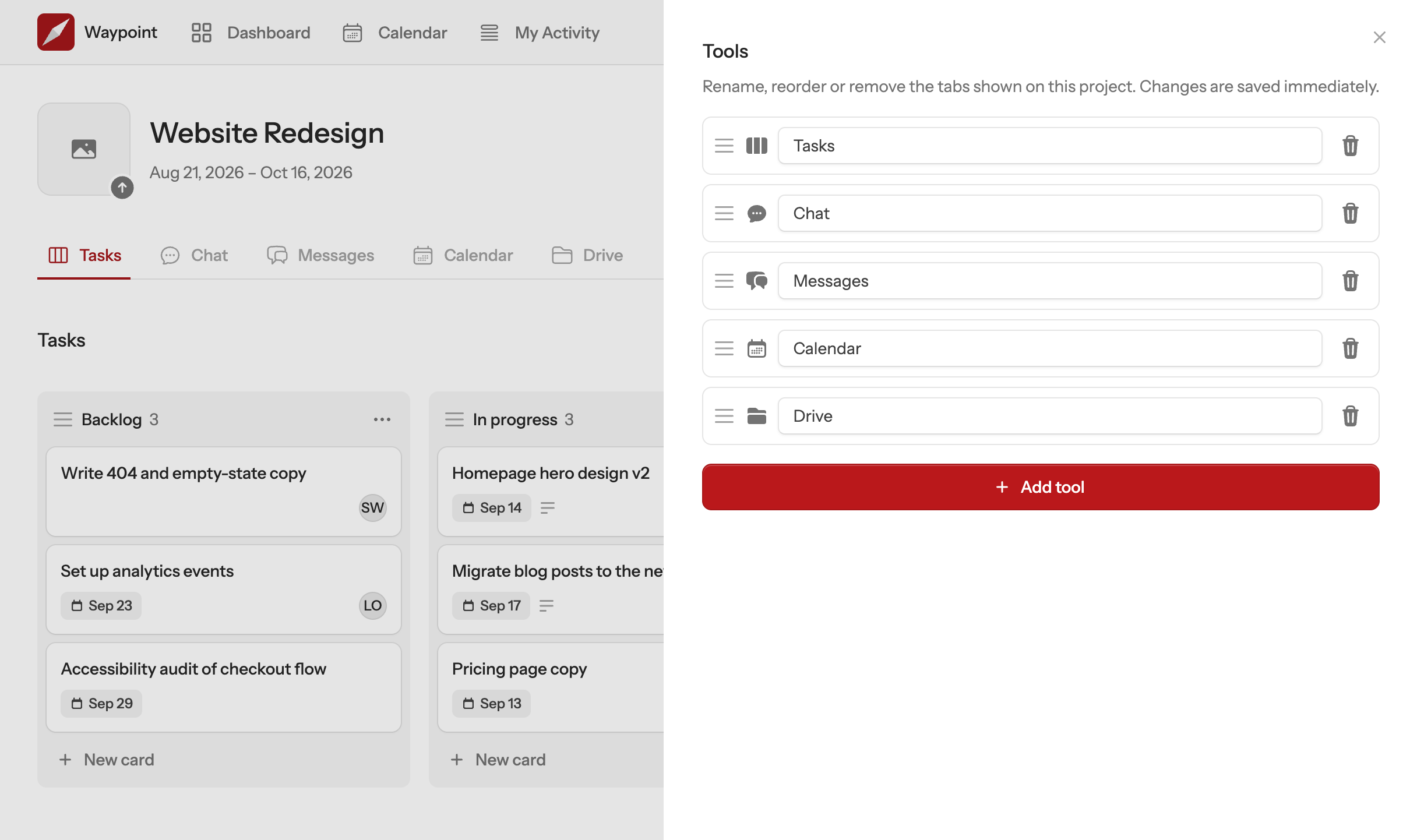
There is no setup wizard and nothing to configure. A Waypoint project is just the tools your team needs, side by side, and the first one takes a couple of minutes.
- Create a project.
- Give it a name. Add a start and end date if you want one — Waypoint will track its status for you.
- Add the tools your team needs.
- Message board, task board, chat, calendar, drive — add as many as you need, even two of the same kind.
- Work in one place.
- @mention a teammate, attach a file, assign a card — everyone sees it, right where the work already is.
The tools
Everything a project needs. Nothing it doesn't.
Waypoint isn't a chat app with tasks bolted on, or a task board with a chat window stapled to the side. It's five tools built to work as one:
Message boards
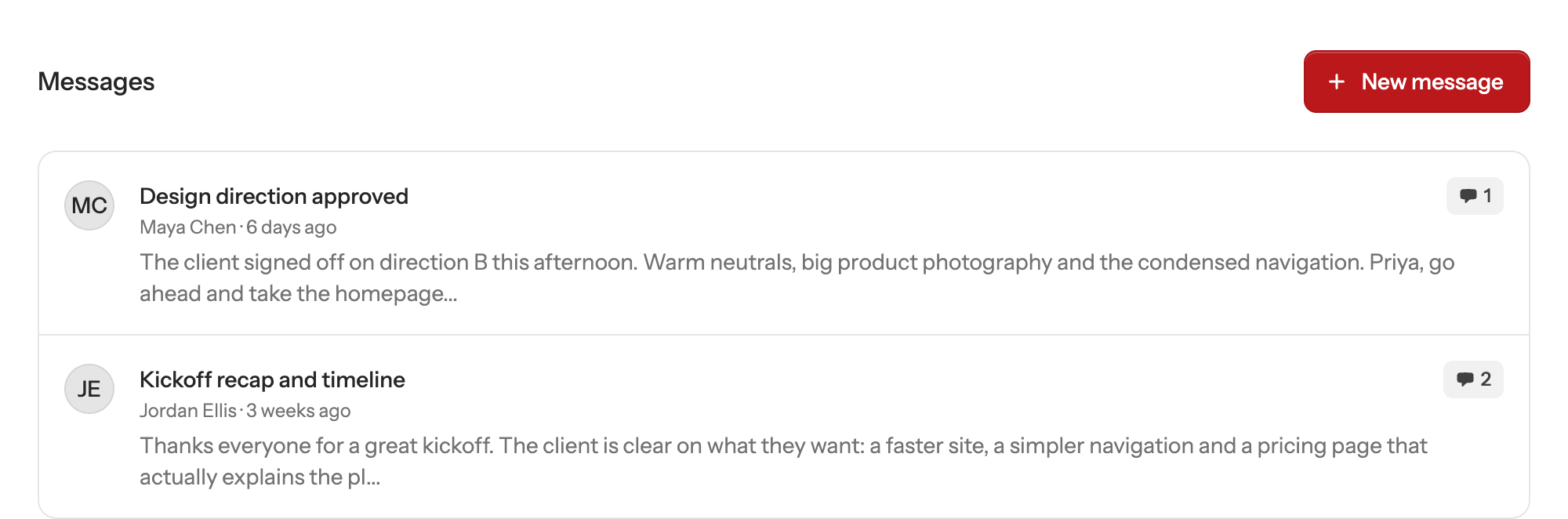
Announcements and discussions that don't get buried in chat
Post an update once and let the whole project read it, reply to it, and find it again next week.
Task boards
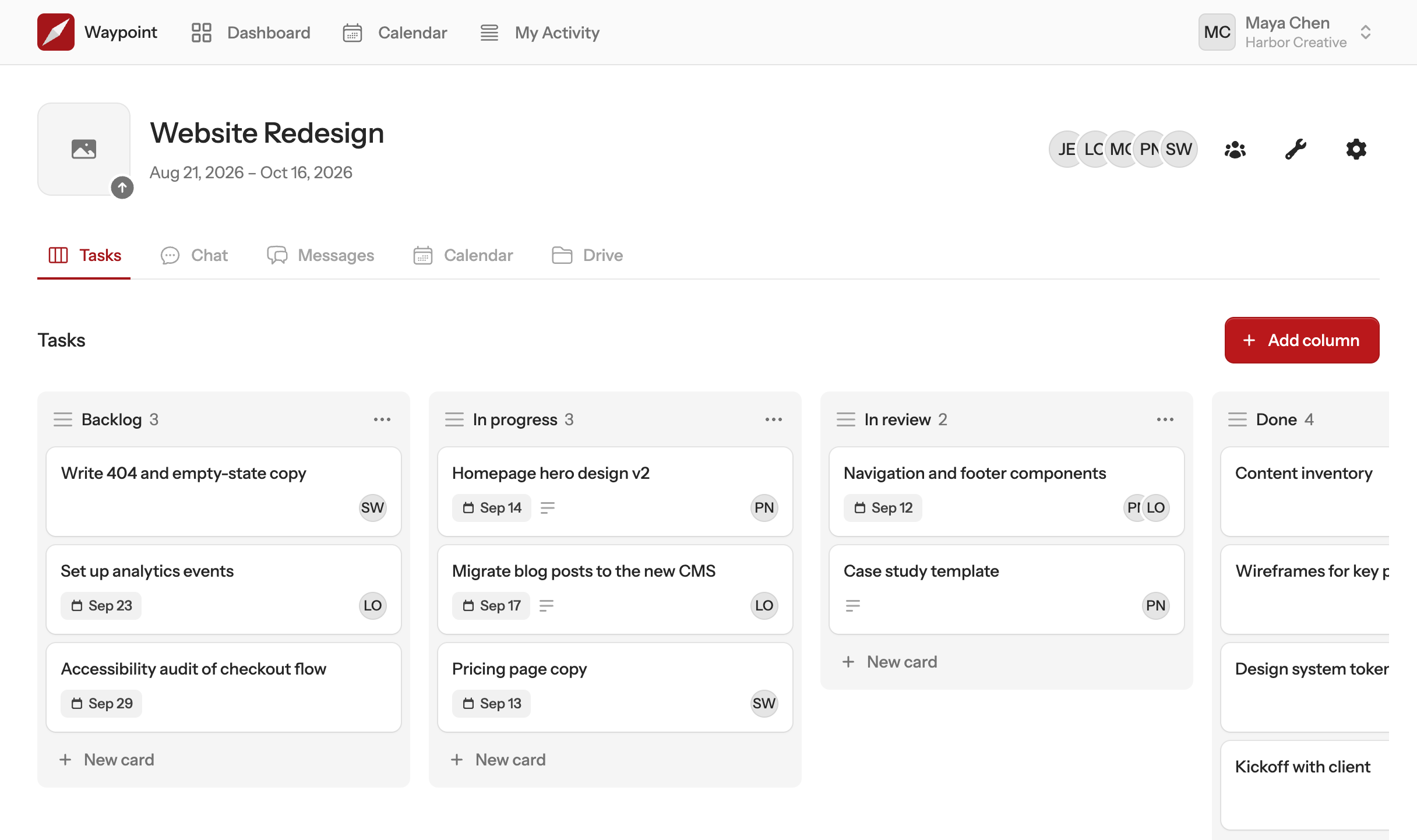
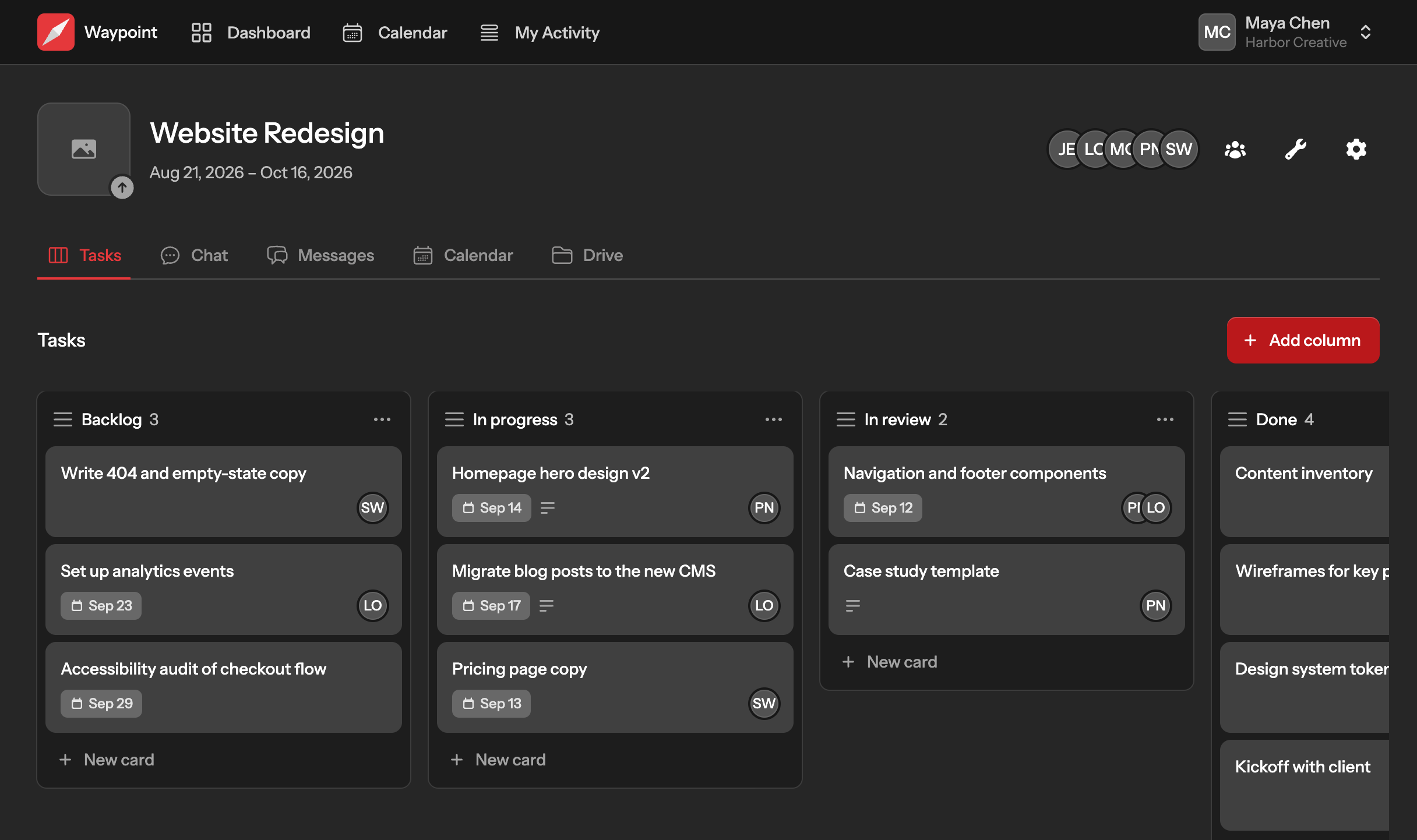
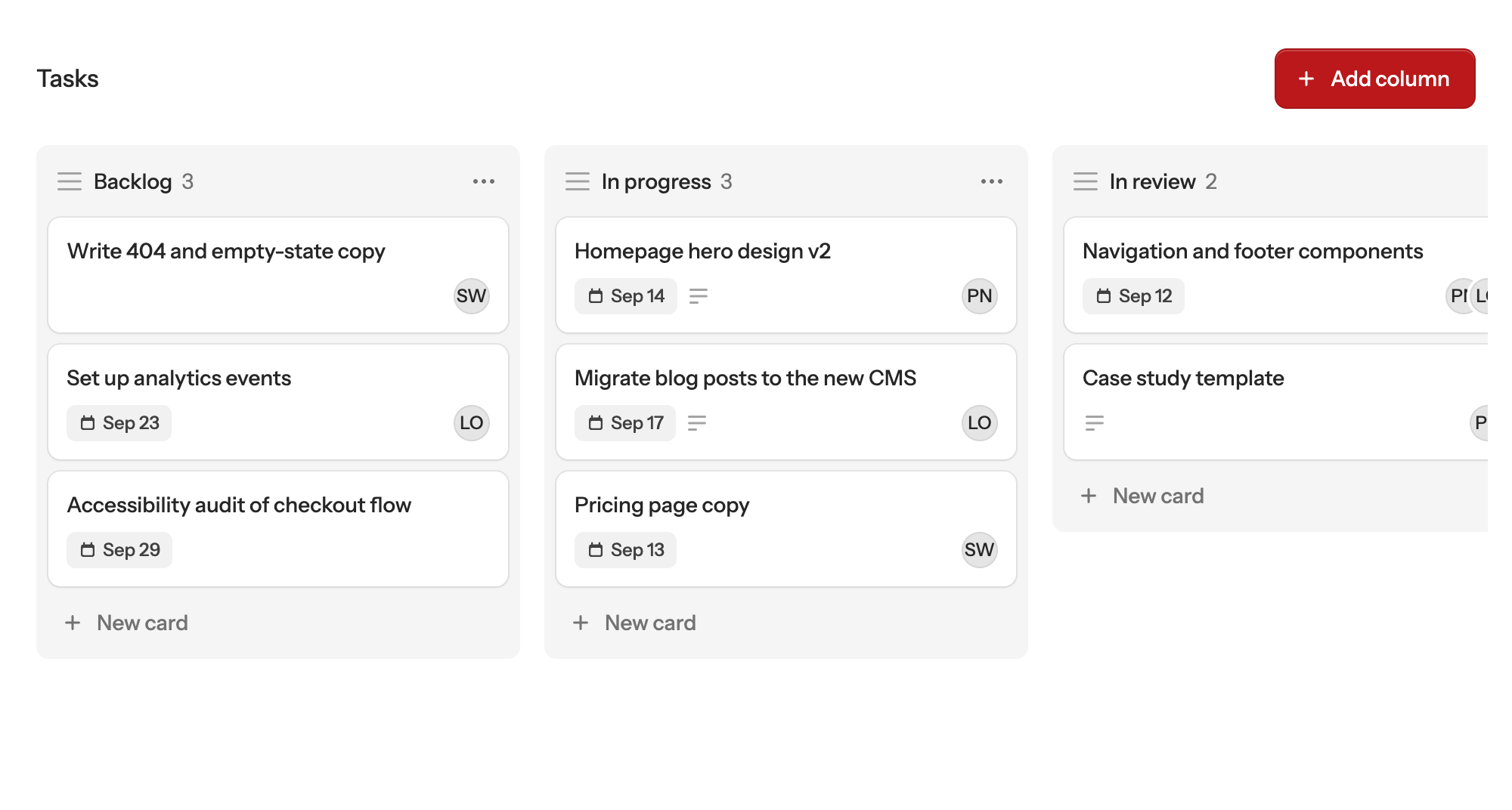
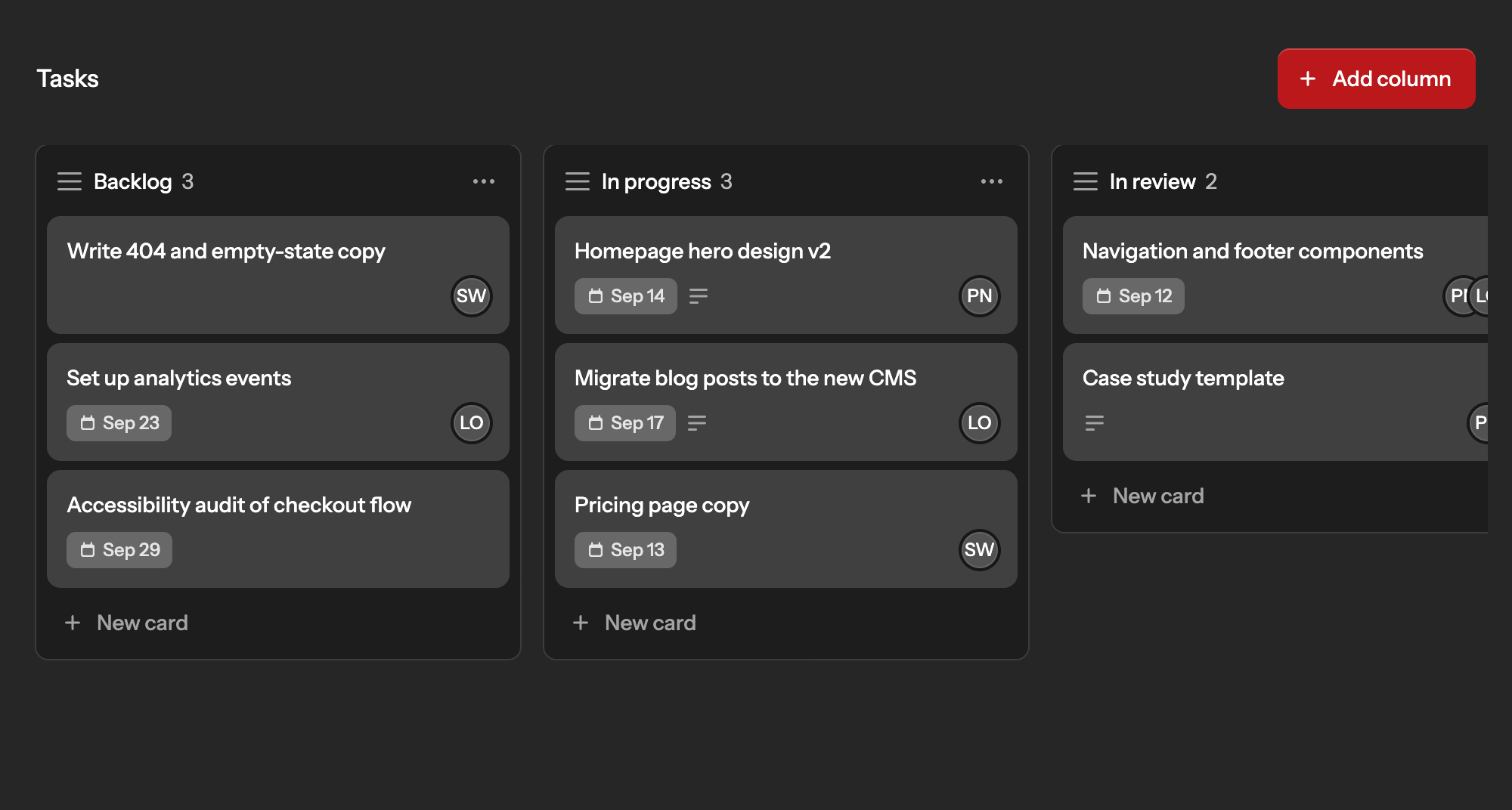
Drag-and-drop kanban, built for how your team actually plans
Columns and cards you can drag between, with assignees, due dates, and descriptions right on the card.
Chat
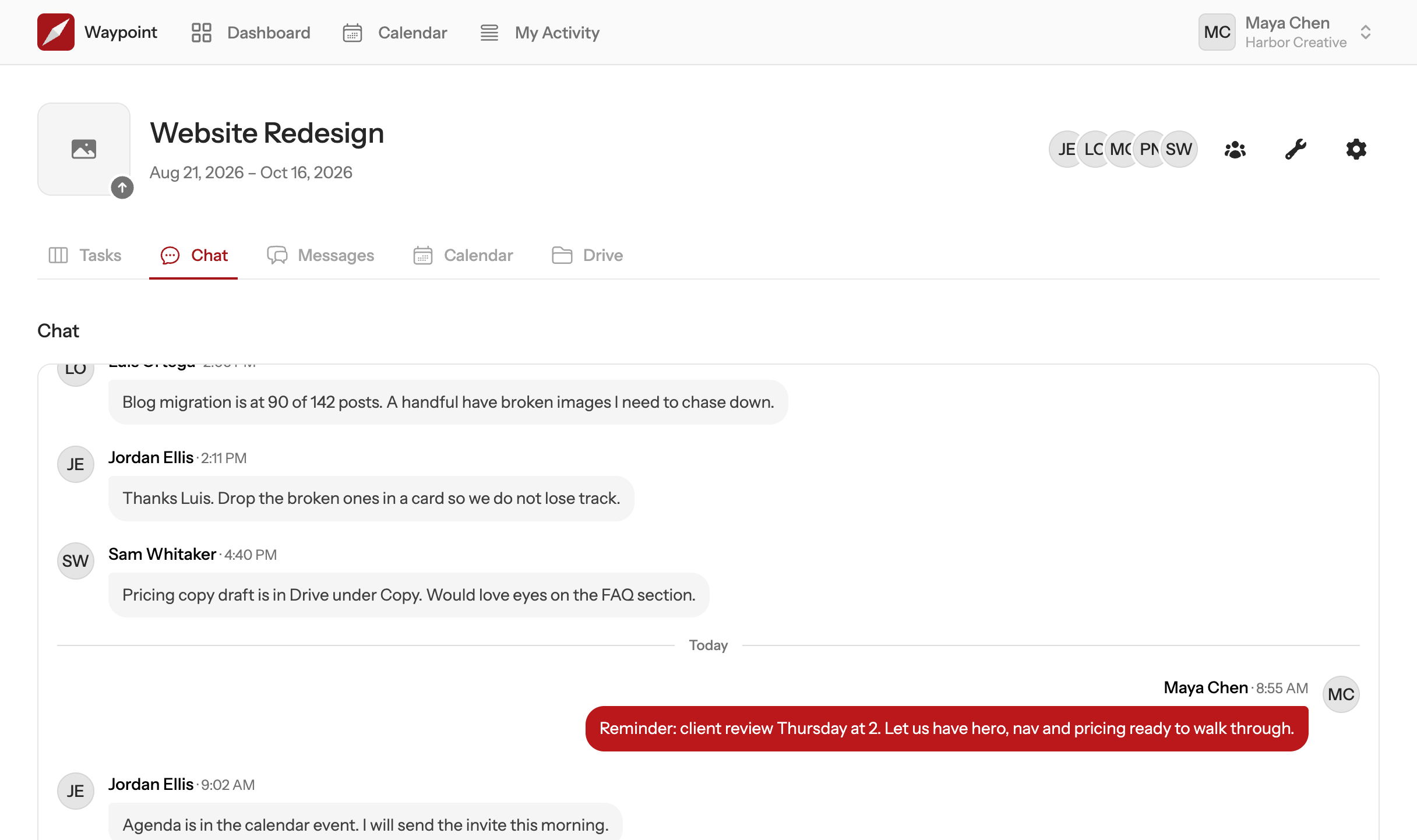
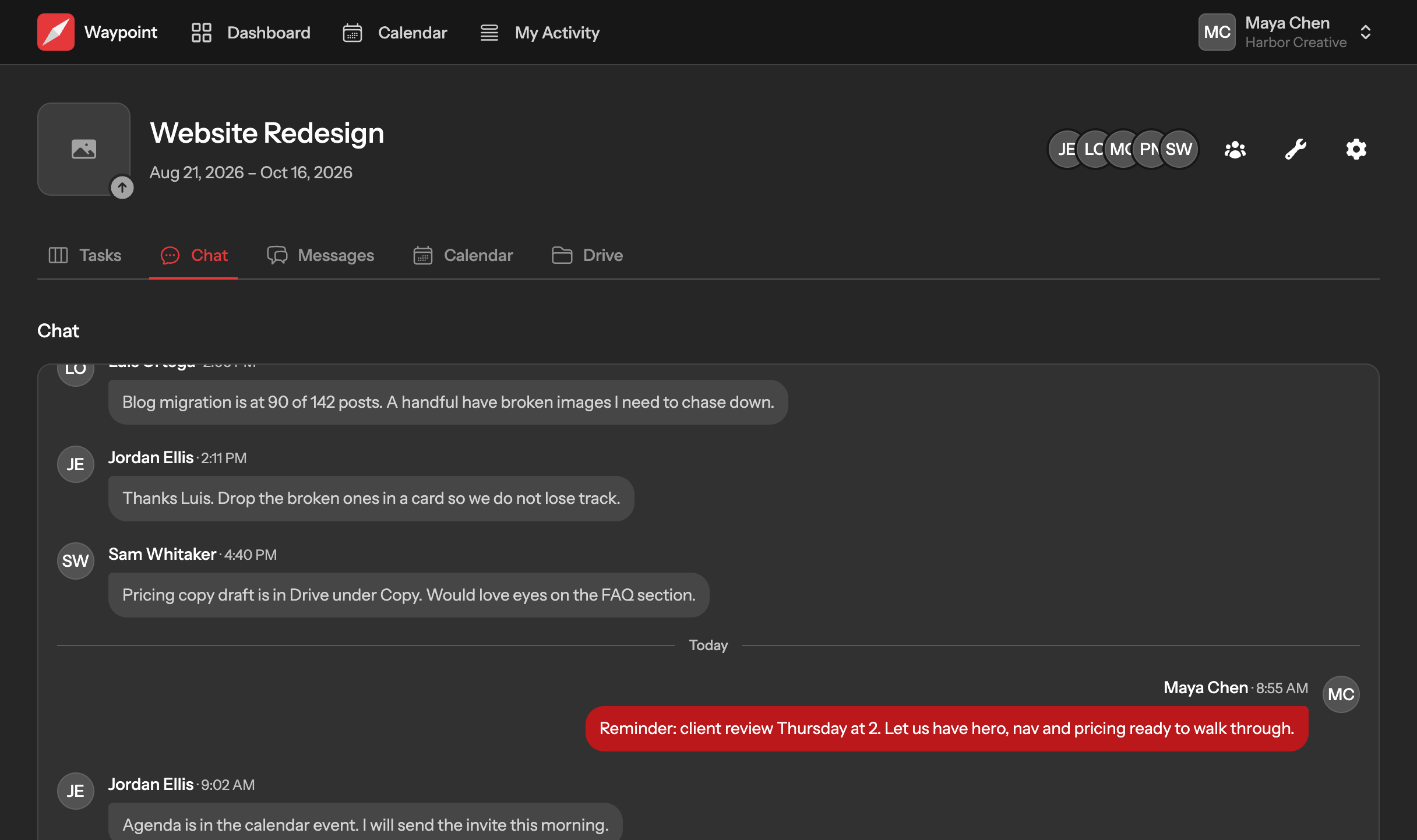
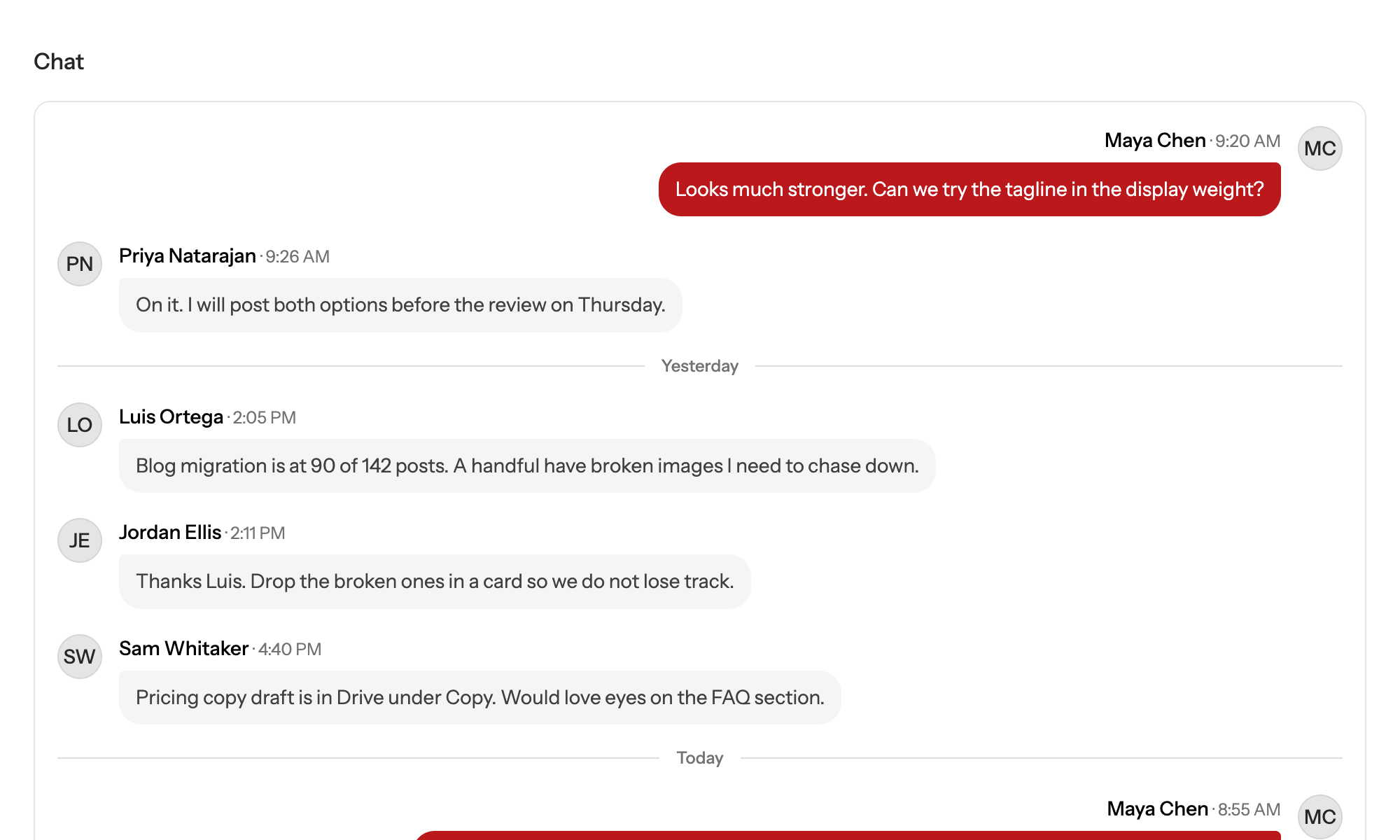
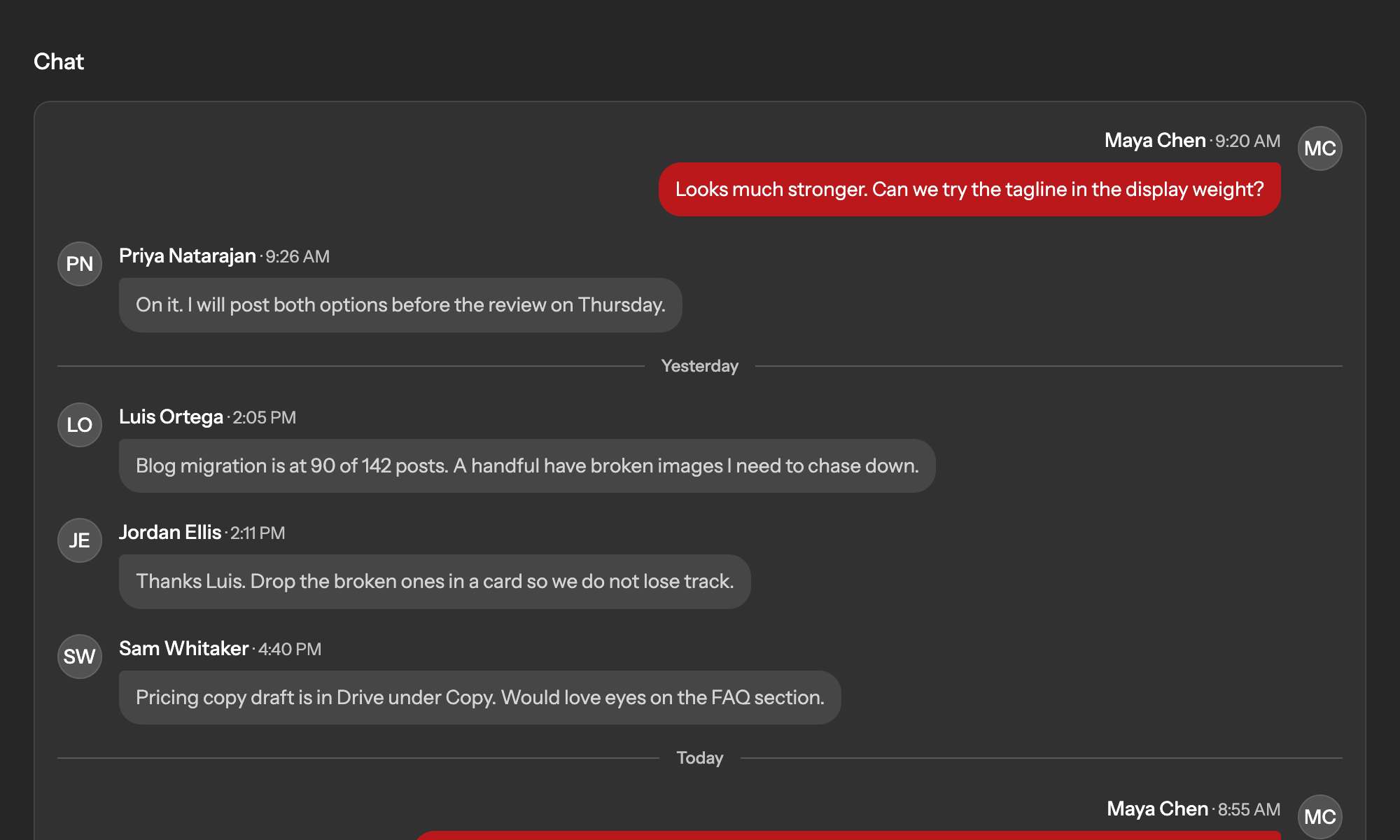
Real-time, per project, with typing indicators and no lost scroll position
Every project has its own room, so a quick question never lands in the wrong channel.
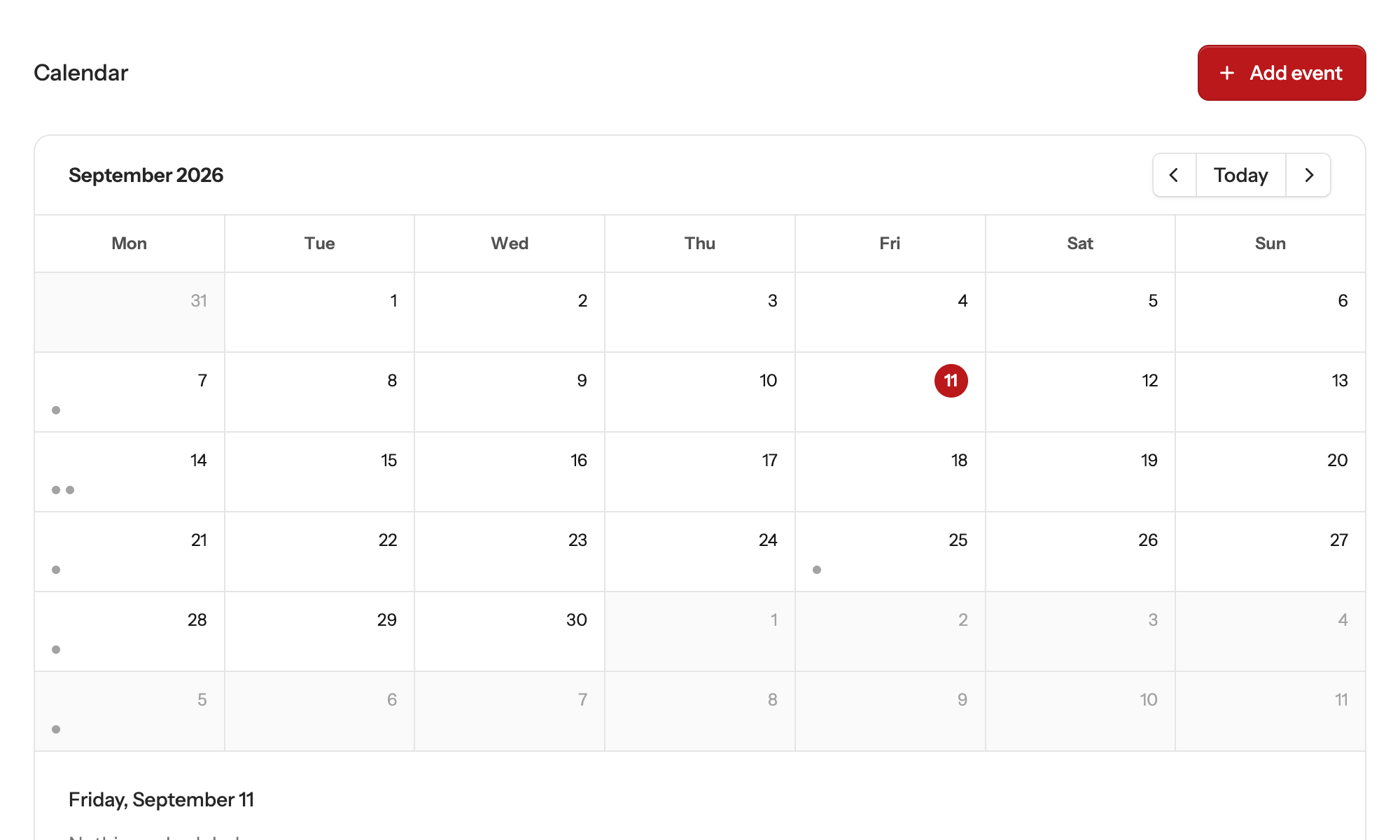
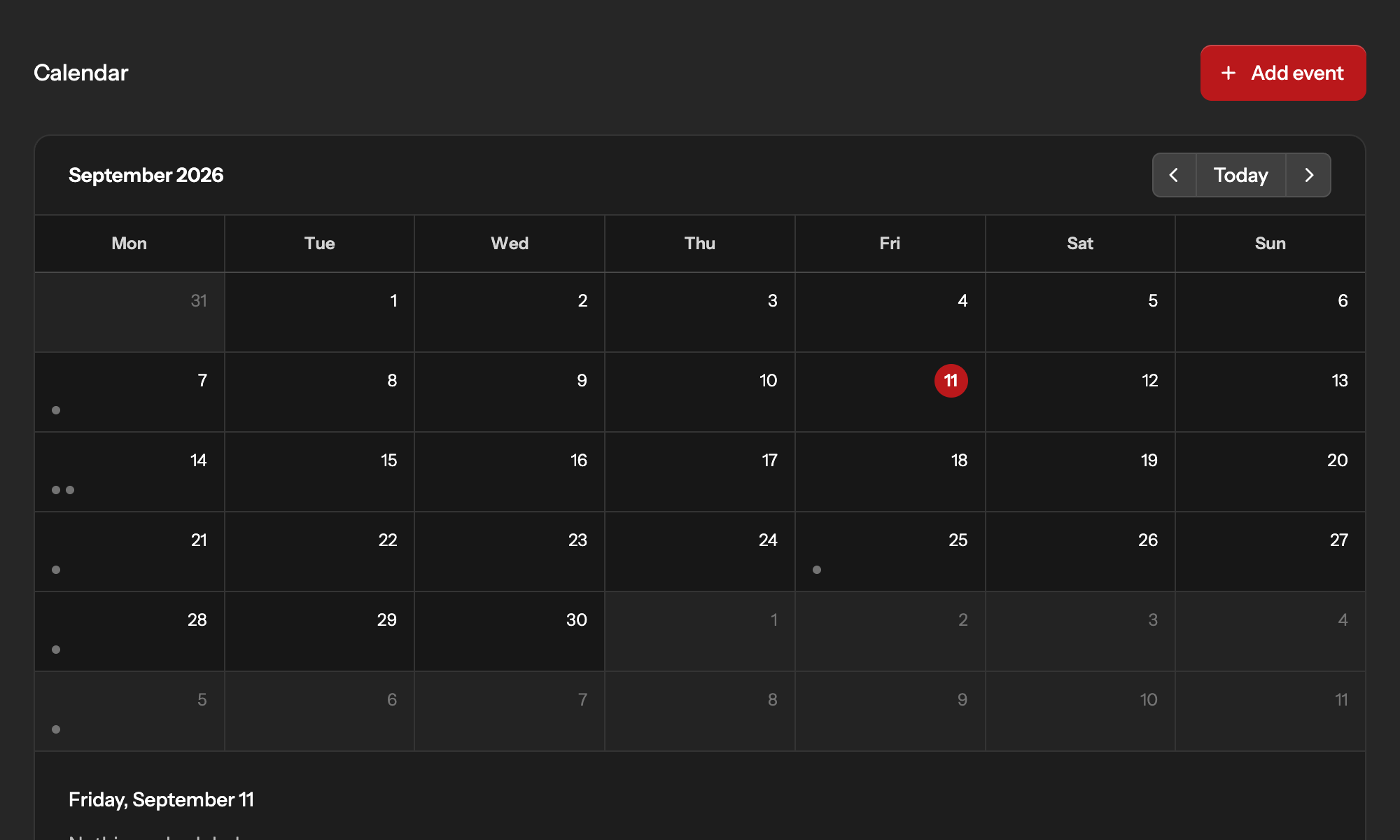
Calendar
One team-wide view of every project's schedule, in your timezone
Kickoffs, reviews, and deadlines from every project side by side, so nothing gets booked on top of something else.
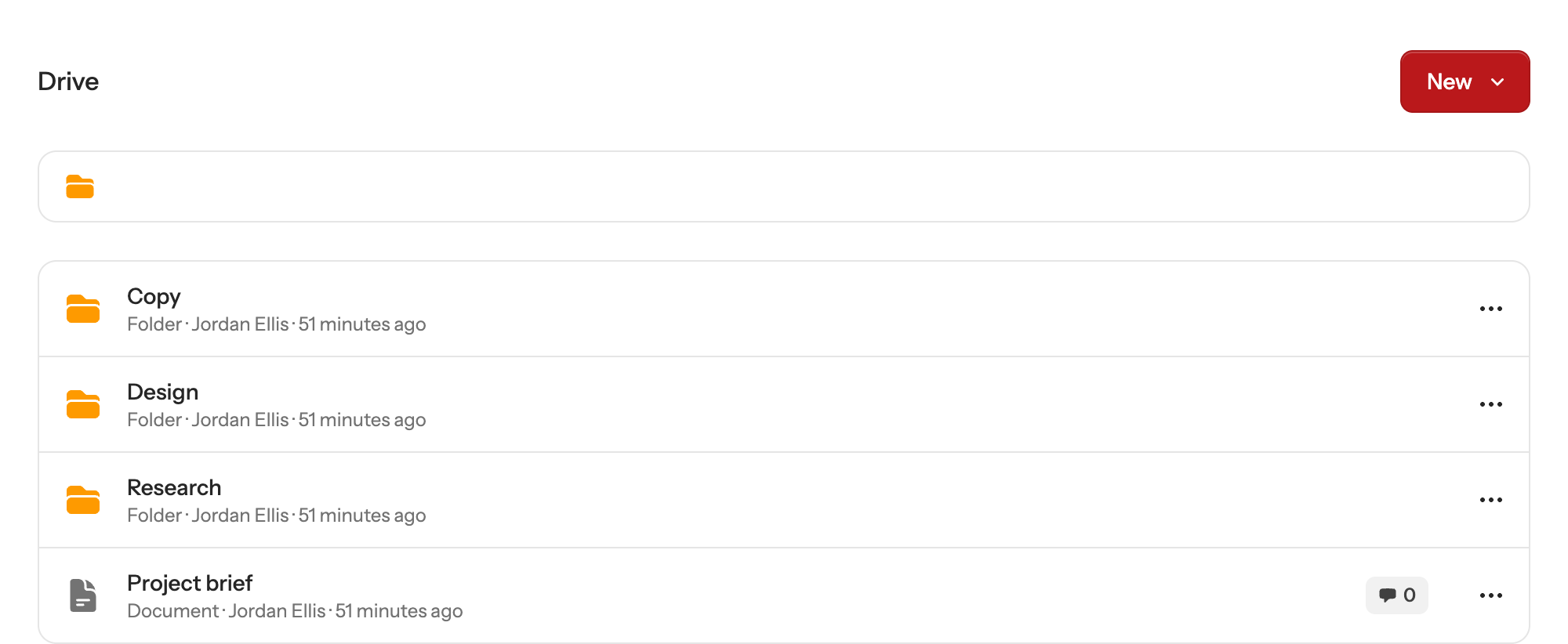
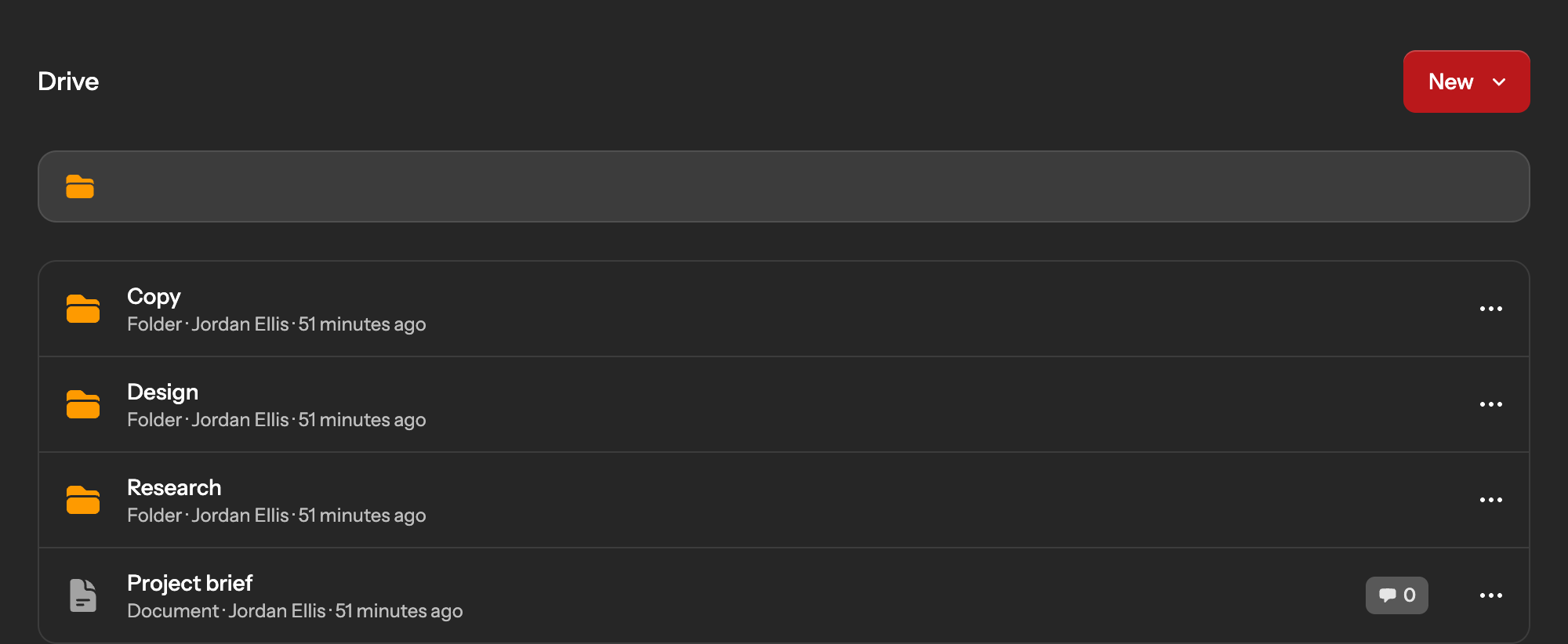
Drive
Documents, files, and links, nested in folders, commentable by anyone on the project
Write documents in place, upload files, or link to what lives elsewhere, and keep it all where the team can find it.
Your AI assistant
Ask your AI assistant. It already knows the project.
Waypoint speaks the Model Context Protocol (MCP), the open standard AI assistants use to work with your tools. Connect Claude, Cursor, ChatGPT or VS Code once and it can read your boards, post updates and move work along, as you, without pasting anything into a chat window.
- Works with the assistant you already use.
- Claude, Claude Code, Cursor, VS Code and ChatGPT connect in a few clicks, and so does anything else that supports remote MCP servers.
- Only sees what you can see.
- The assistant signs in as you, so it works in your teams and projects and nothing else. Disconnect it from the client whenever you like.
- Real work, not a summary.
- Create projects, add cards, move them across the board, schedule events and post to message boards. Every change lands in the activity feed under your name.
The difference
What changes when your work lives in one place
Without Waypoint
With Waypoint
Pricing
Start free. Grow when you're ready.
Free for small teams. Starter and Pro plans unlock more projects, more tools, and more room to grow — billed simply through Stripe.